
How-to guides
How to use Signum.
Step by step, with the app's own screens. New here? Start at the top.
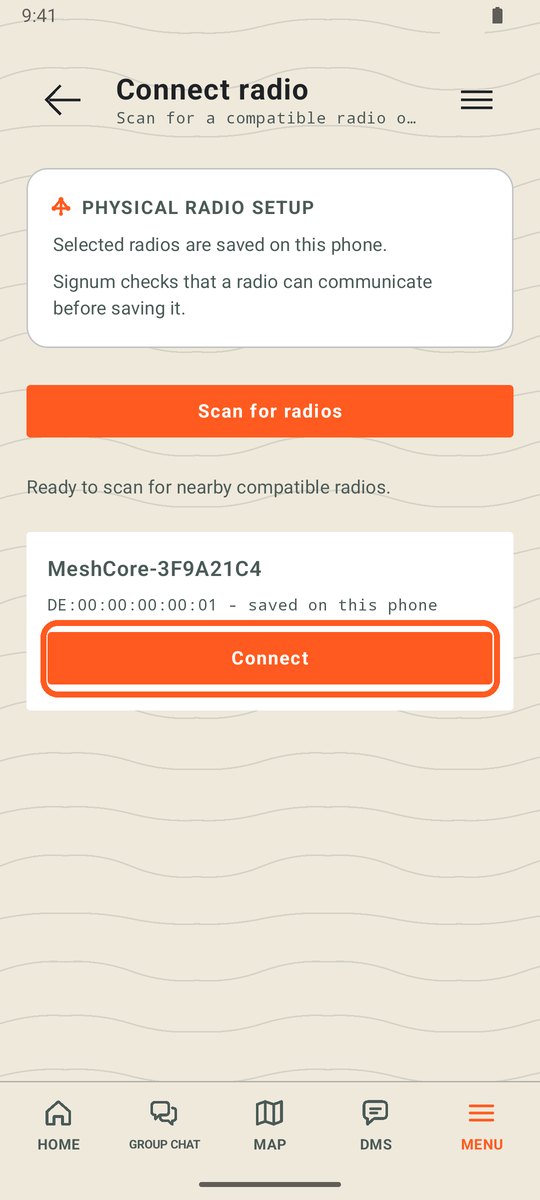
Step 1
Connect your radio
Turn it on, scan, tap Connect. Signum remembers it after that.
Read the guide →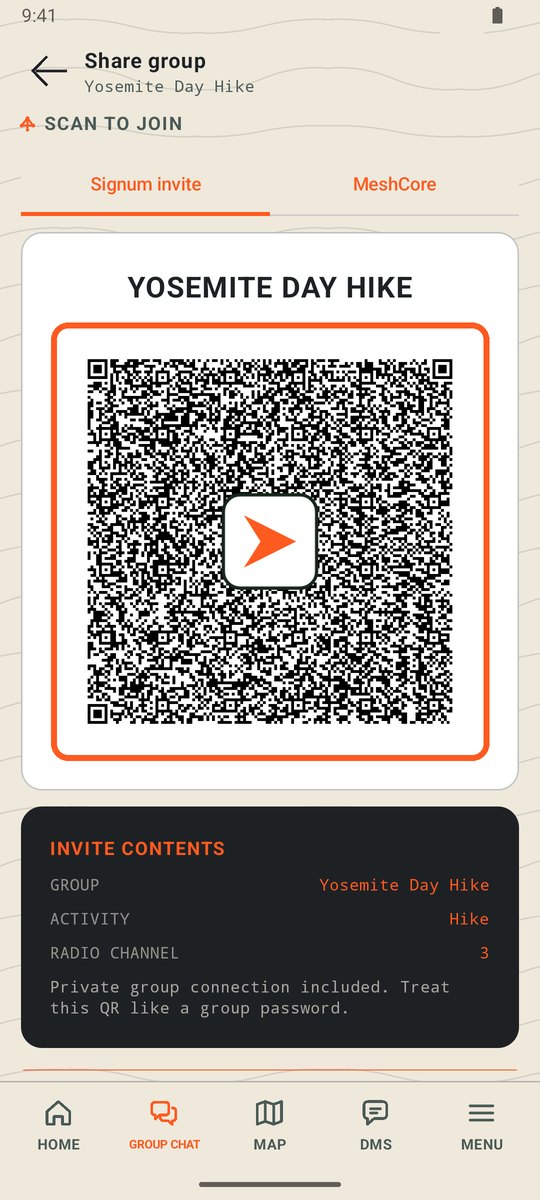
Step 2
Make a group
One person shows a QR code, everyone else scans it.
Read the guide →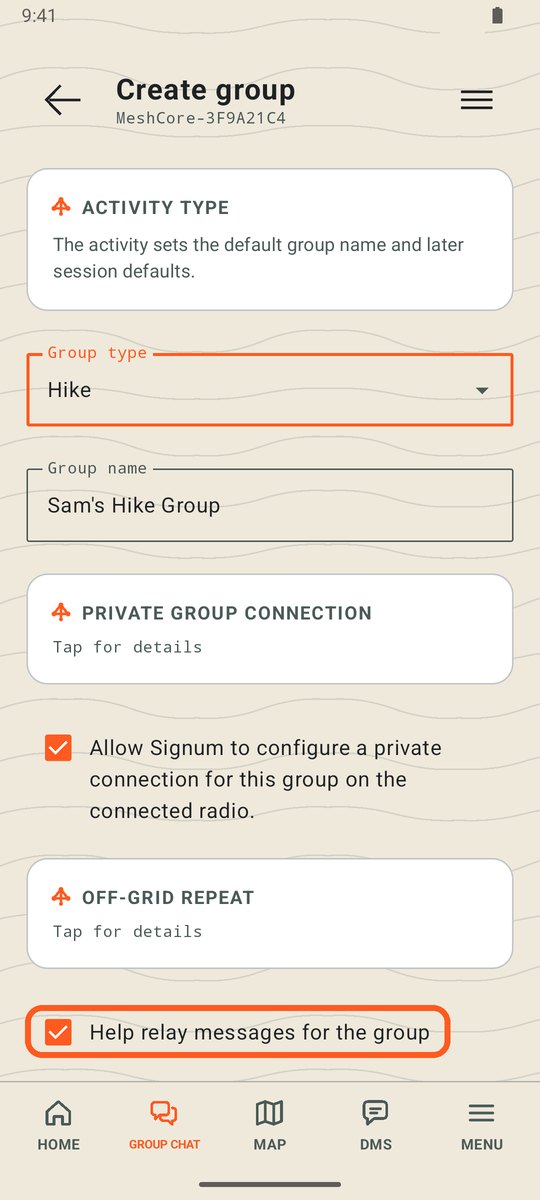
How it works
How the radios reach each other
No towers: radios pass messages along for each other, so more radios reach farther.
Read the guide →Need the app first? Get it on Android · Before you count on it: Good to know